Use the original
Send the original logo or design file—not a screenshot copied from a website or WhatsApp.
Printla artwork support
Send us what you have. We will check the quality, flag anything that may affect the result and send a proof before production begins.
60-second check
You do not need to be a designer. These four checks prevent most delays.
Send the original logo or design file—not a screenshot copied from a website or WhatsApp.
Zoom in. If edges look blocky or blurry on screen, they may print that way too.
Use a transparent background unless a coloured rectangle is intentionally part of the design.
Let us know the intended position and width, such as “left chest, 9 cm wide”.
Best files first
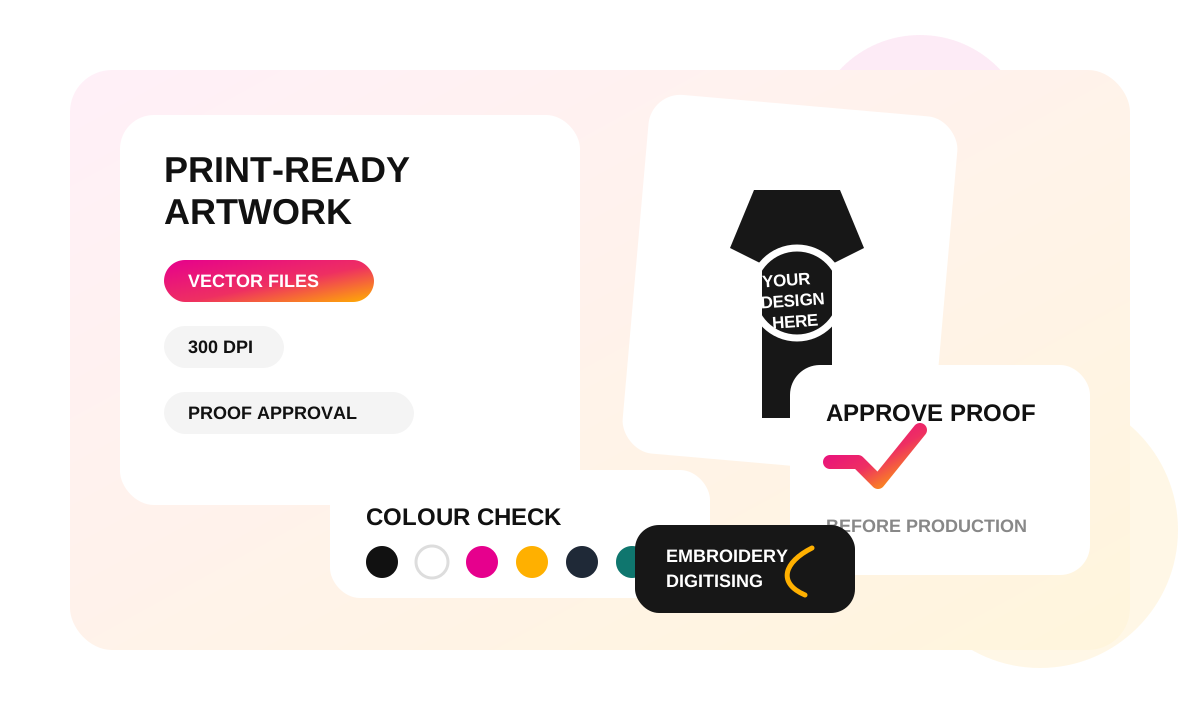
Vector artwork stays perfectly sharp at any size. High-resolution image files also work well when supplied at the final print size.
Ideal for logos, text, clean shapes and embroidery digitising.
Use the highest-resolution version available. PNG is best when transparency is needed.
Keep it crisp
Raster images should ideally be 300 DPI at the intended print size. Enlarging a small image does not restore missing detail.
Consistent branding
Screens use RGB light while printers use physical inks and embroidery uses thread. A slight difference is normal, but brand references help us get closer.
Designed for thread
Embroidery is built from stitches, so very fine lines, tiny text and smooth gradients may need simplifying.
Nothing prints by surprise
Before production, your proof shows the artwork, placement, approximate dimensions and colours. Check names, spelling, numbers, size and position carefully.
Free artwork check
Tell us what you want printed, where it should go and the products you need.